CNC Router vs CO2 Laser vs Fiber Laser: Which Machine Suits Your Work?
The material you work with is the first thing that decides the machine type. This guide sums up the difference between a router, a CO2 laser and a fiber laser, and when you need more than one machine.

In this article
- 1.How does each machine work?
- 2.A quick comparison of the three machines
- 3.Router or CO2 laser for acrylic and wood?
- 4.For metal: the fiber laser
- 5.When do you need more than one machine?
- 6.Which machine suits your business?
- 7.Running cost for each machine
- 8.Space and safety
- 9.The decision in three questions
- 10.Common mistakes when choosing
- 11.How to grow your workshop step by step
- 12.Ask for a sample before you decide
- 13.FAQ
The question we hear most from new workshop owners is: what is the difference between a router and a laser, and which should I buy? The short answer: the machine is decided by the material you work with, not by the machine's name or reputation.
In this article we explain how each machine works, which materials suit it, and when each choice makes sense.
How does each machine work?
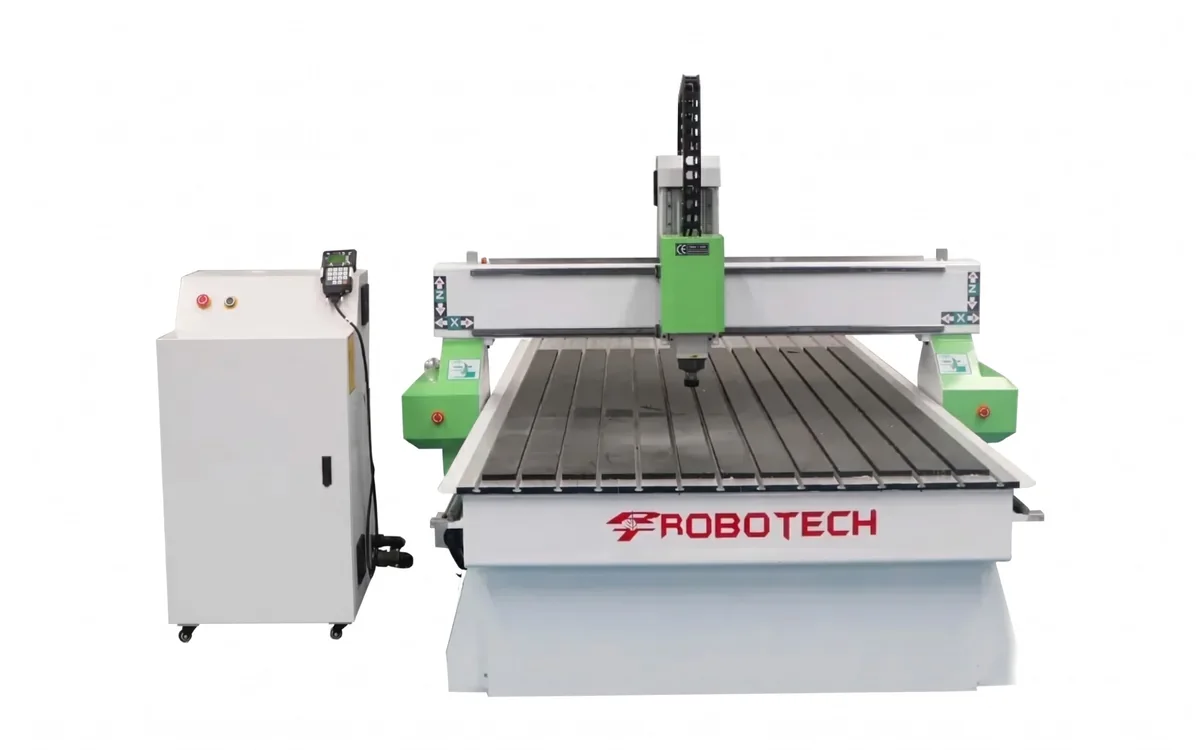
A router cuts with a rotating bit mounted on a spindle that moves over the table, so there is real contact with the material, and it can carve at different depths and shape 3D surfaces.
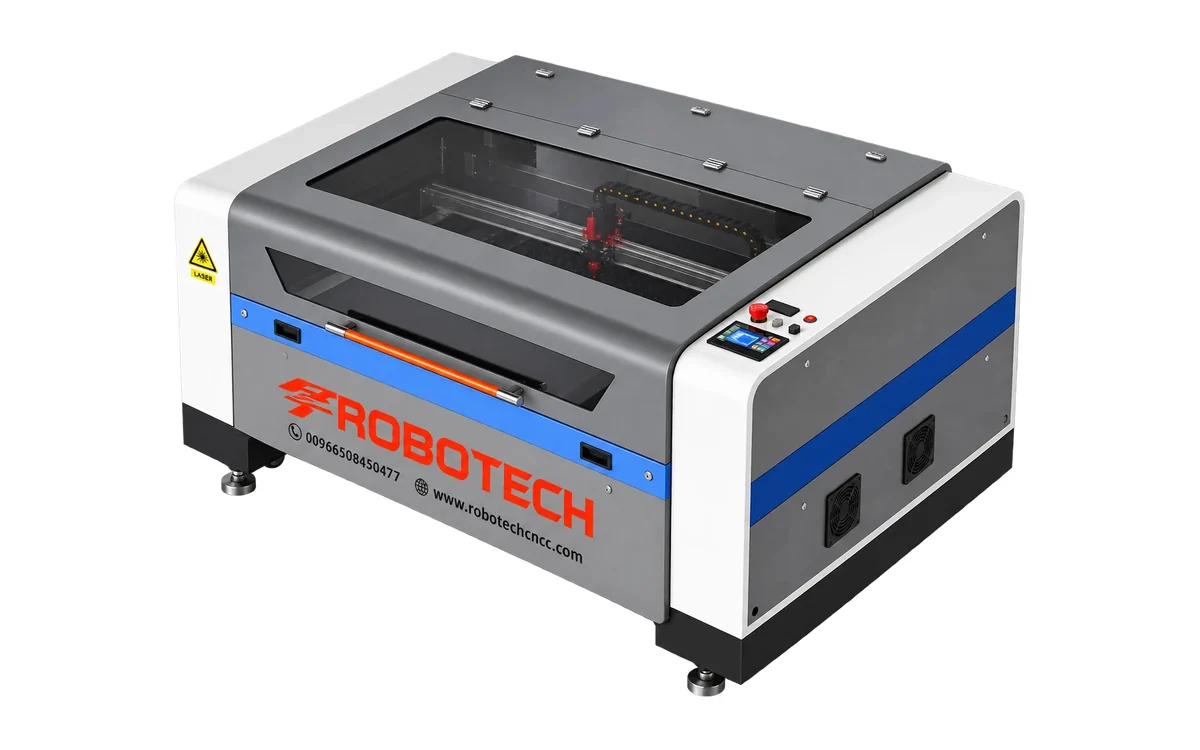
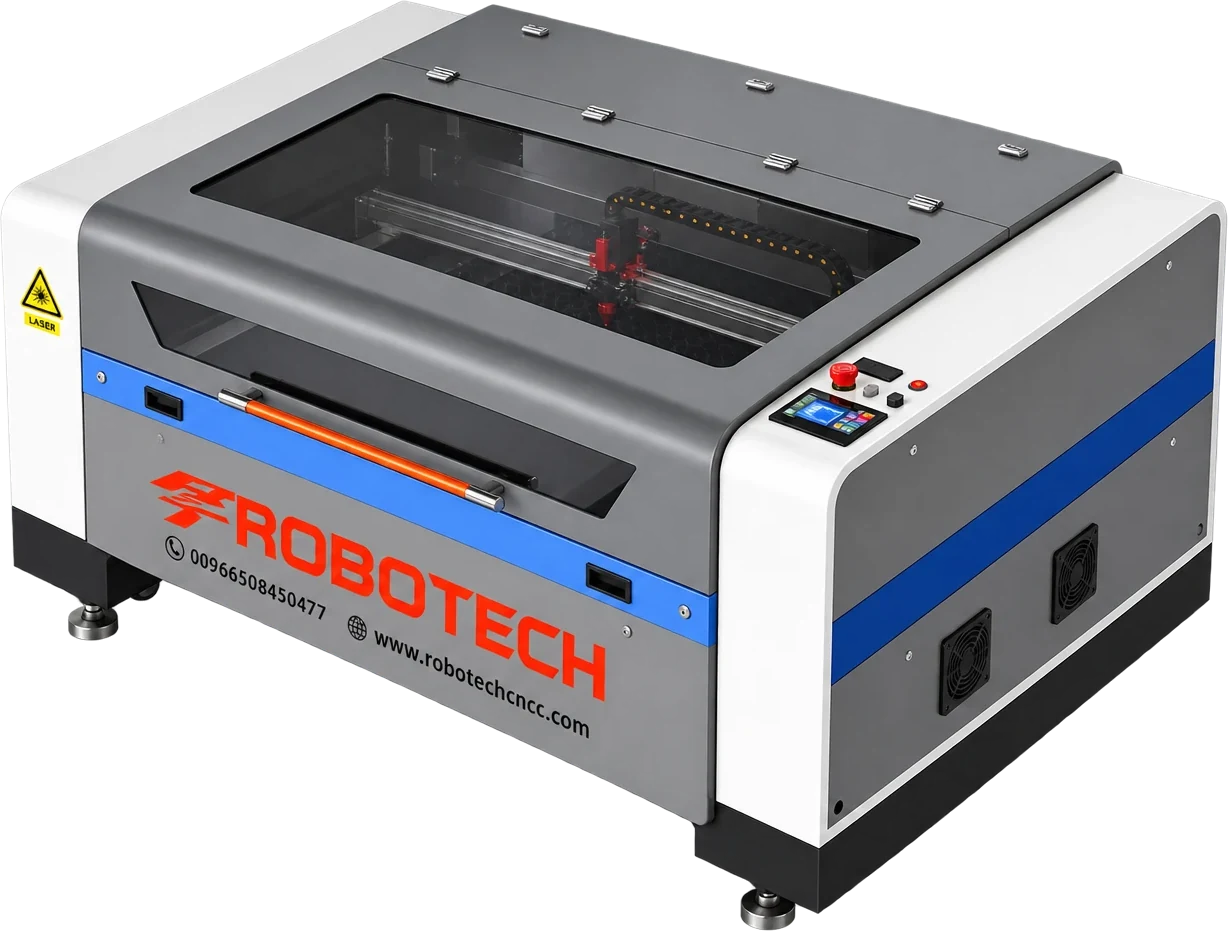
A CO2 laser cuts with a laser beam from a gas tube, without touching the material. Organic materials and acrylic absorb its wavelength very well, but metals reflect it.
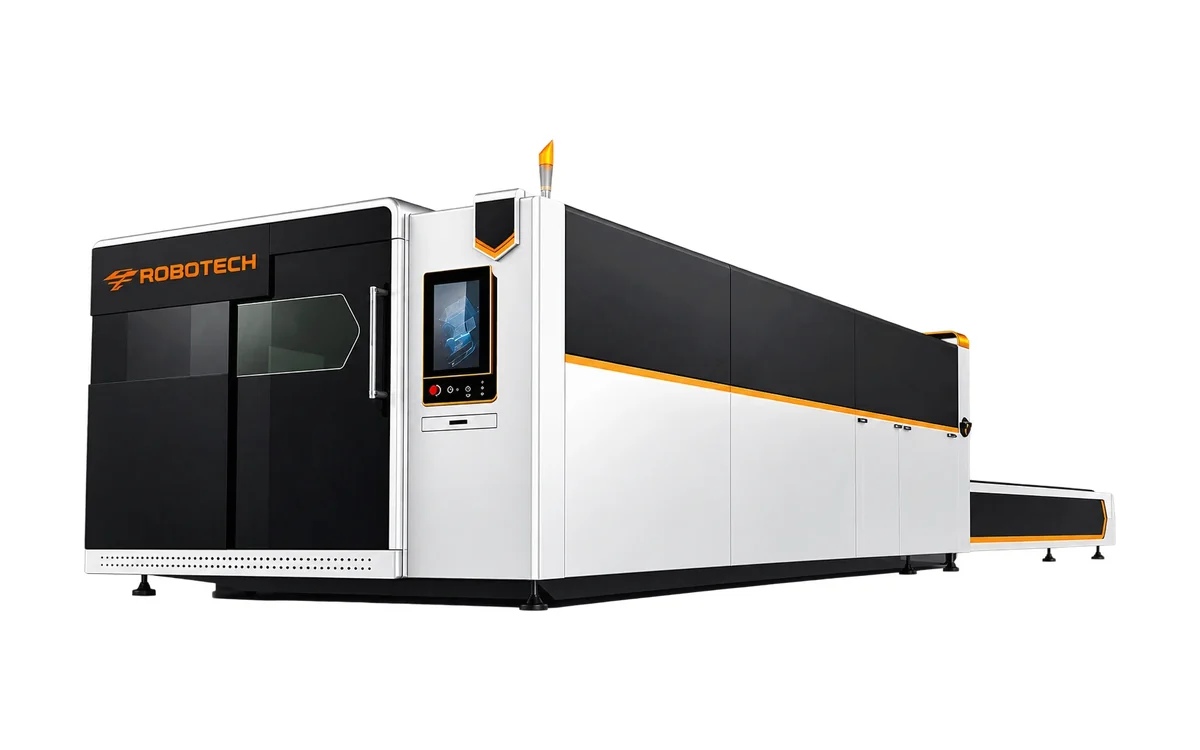
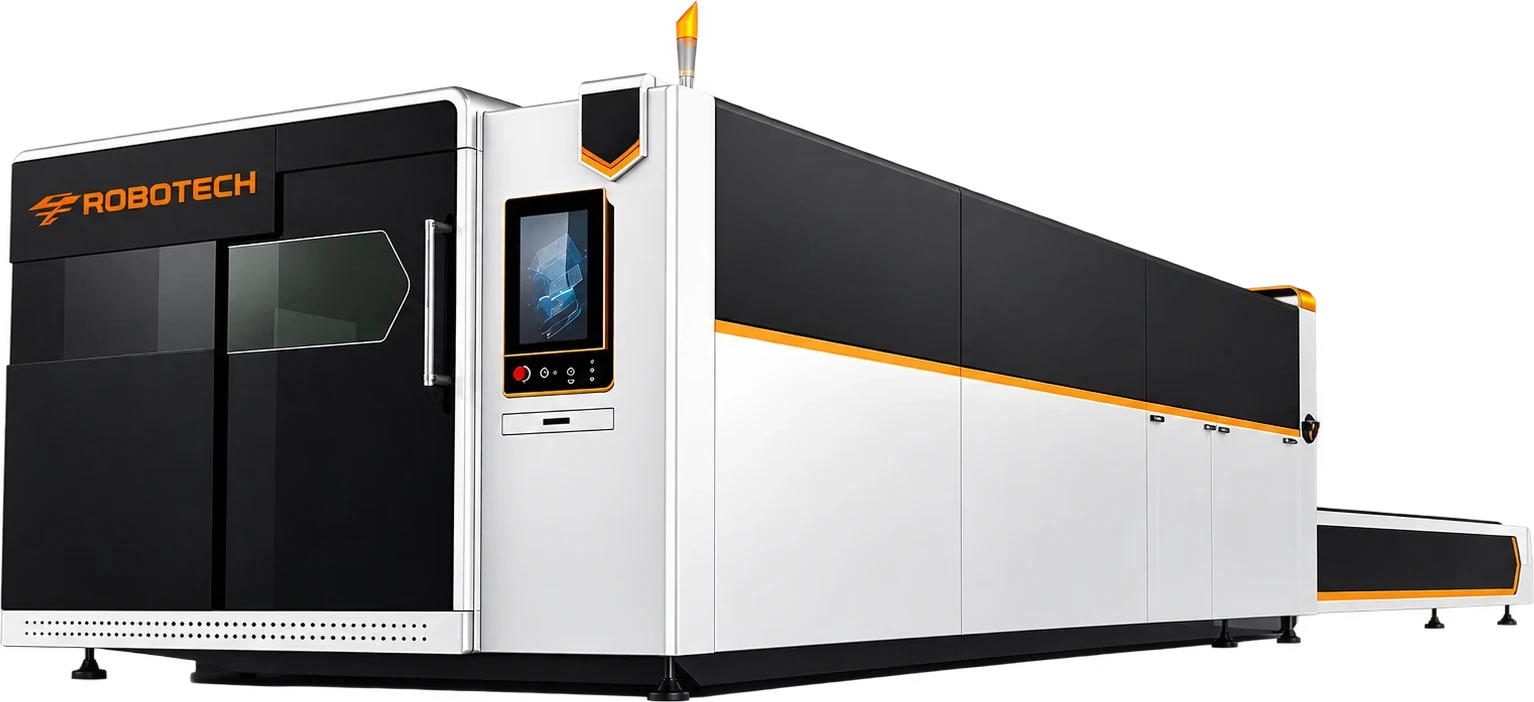
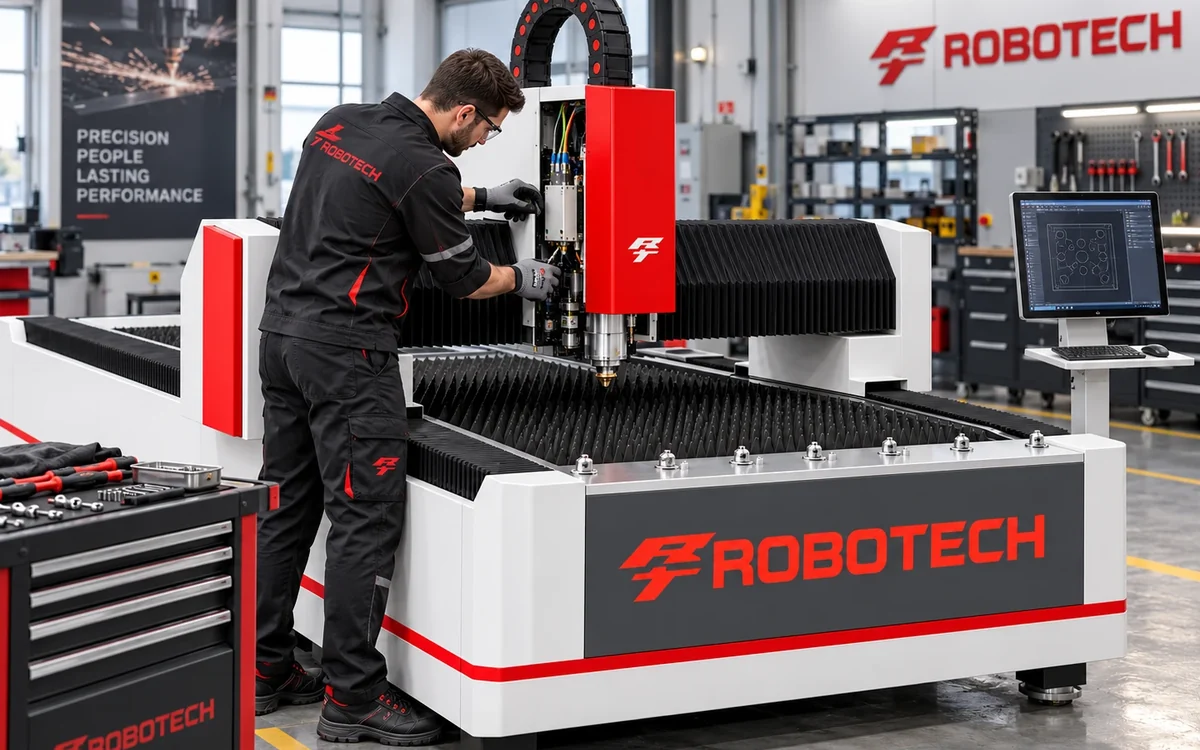
A fiber laser generates its beam through optical fiber at a shorter wavelength that metals absorb efficiently, which is why it is the main choice for cutting steel and stainless sheet and for permanent marking on metal.
A quick comparison of the three machines
| Machine | Suitable materials | Most common uses |
|---|---|---|
| CNC router | Wood, MDF, acrylic, aluminium composite, foam | Furniture and kitchens, partitions, wood carving, raised letters |
| CO2 laser | Acrylic, thin wood, leather, fabric, paper and cardboard | Signage and advertising, gifts, packaging, sewing workshops |
| Fiber laser | Steel, stainless, aluminium, copper | Metal workshops, factories, metal signs, part marking |
Router or CO2 laser for acrylic and wood?
Both cut acrylic and wood; the difference is in the result and the type of work:
- A CO2 laser gives a polished acrylic edge with no extra finishing, cuts very small details, and engraves images and text on the surface.
- A router handles thicker panels and carves at stepped depths, and suits cutting large panels in volume for furniture and décor.
- A laser leaves a slight burn mark on wood edges, which is welcome on gifts and unwelcome on some furniture parts.
More details on each machine are on the CNC router and CO2 laser pages.
For metal: the fiber laser
A standard CO2 laser is not suited to cutting metal, and a router is not designed to cut steel and stainless sheet. For this work you need a fiber laser, choosing between a sheet cutting machine and a marking machine depending on your work.
When do you need more than one machine?
Some businesses mix different materials. A sign shop, for example, cuts acrylic letters with a laser, and thick raised letters or aluminium composite with a router. In this case two mid-size machines are usually more useful than one large machine trying to do everything.
Send us samples of your work on WhatsApp, and we will recommend the right machine or combination with a quote the same day.
Which machine suits your business?
Instead of comparing machines by specifications, start from your type of business. Here are common businesses in the Saudi market and the best machine for each:
| Business | Main machine | Note |
|---|---|---|
| Wooden door and décor factory | CNC router | 3D carving and milling on wood |
| Signage and advertising shop | CO2 laser | Cutting and engraving acrylic and letters with polished edges |
| Gifts, awards and packaging | Small CO2 laser | Engraving on wood, leather and acrylic |
| Metal workshop and steel doors | Fiber laser | Accurate, fast cutting of sheet and steel |
| Commercial stainless kitchens | Fiber laser | Cutting stainless with a clean edge |
| Furniture and kitchen factory | CNC router | Cutting, milling and drilling panels |
Running cost for each machine
CNC router
Its running cost is relatively low: electricity, bits (cutting tools) that wear with use and need replacing, and extraction because wood produces a lot of chips. The spindle and rails need regular lubrication and cleaning.
CO2 laser
Its main consumable is the glass laser tube, which has an operating life and is replaced after it. The lenses and mirrors also need regular cleaning, and the chiller must work properly. The daily cost is low, but budget for replacing the tube after a while.
Fiber laser
A fiber source has a long life and needs less maintenance than a CO2 tube, but gas (especially nitrogen) and electricity at high powers are major items, plus head consumables such as nozzles and protective lenses.
Space and safety
- Router: needs strong chip extraction, a solid floor and space around the table to load full 1220×2440 mm panels.
- CO2 laser: needs a fume extractor vented outside, because cutting acrylic and wood produces smells and fumes. Never laser-cut materials containing PVC, because their fumes are harmful and corrode machine parts.
- Fiber laser: enclosed machines protect the eyes from the beam and reduce fumes; open machines need an organised work area and nobody standing close to the head while cutting.
Every Robotech machine comes with training on safe operation, and you can see the details on the CNC router, CO2 laser and fiber laser pages.
The decision in three questions
- What is the main material? Metal means fiber. Thick wood and 3D carving mean a router. Acrylic and fine engraving on non-metals mean CO2.
- What should the result look like? A polished acrylic edge favours the laser; deep milling and 3D shapes favour the router.
- How much work is there? Small, varied work suits one flexible machine, and high volume may need a machine for each material.
If you have answered the three questions and are still unsure, send us a photo of your work or a sample of the material on WhatsApp and we will recommend the right machine. To go deeper on routers read how to choose a CNC router, and for fiber how many watts you need in a fiber laser.
Common mistakes when choosing
- Buying a CO2 laser for metal: CO2 is designed for non-metals and does not practically cut steel and stainless. For metal the right machine is fiber.
- Buying a router for very fine carving on thin acrylic: a router can do it, but a laser gives finer detail and polished edges with no finishing.
- Ignoring panel size: if your work uses full 1220×2440 mm panels, don't buy a small table and end up cutting panels by hand before the machine.
- Forgetting extraction and ventilation: a router without chip extraction and a laser without a fume extractor damage the space and the machine over time.
- Choosing the cheapest without after-sales support: a machine stopped for a part that is not available costs you more than the price difference.
How to grow your workshop step by step
Many workshops start with one machine and expand with orders. An example for a signage shop: start with a CO2 laser for acrylic and letters, then add a router for raised letters, thick wood and cladding, and if demand comes for stainless and steel letters, add a fiber laser. That way each machine pays for the next.
The same idea applies to furniture factories: a panel saw and edge bander first, then a CNC router for precise milling and drilling. See the woodworking workshop machines guide for the full order.
Ask for a sample before you decide
The best way to settle the choice is to see the result on your own material. Prepare a piece of the material you work with and the design file, and discuss testing it with us or watch videos of the same work on the same type of machine. Look at three things in the sample: edge cleanliness, the accuracy of small details, and how long the part took.
And remember that a machine is an investment for years, so more important than its price today is that it suits your work and that someone will service it after the sale.
FAQ
No, a CO2 laser is for non-metal materials. To cut steel and stainless you need a fiber laser.
Written by the Robotech CNC team
A team specialised in supplying, installing and maintaining CNC and laser machines in Saudi Arabia. On the blog we share what we learn working with workshops and factories.