How to Choose a CNC Router for Your Workshop: 6 Questions Before You Buy
Table size, spindle power and how you hold panels down make a big difference to your daily output. Here are six questions to answer before you ask for a router quote.

In this article
- 1.1. What is the largest panel you work with?
- 2.2. What materials, and how thick?
- 3.3. How many bits do you use in one job?
- 4.4. How will you hold panels down?
- 5.5. Is the workshop ready?
- 6.6. Who trains you and maintains it after the sale?
- 7.7. Spindle: air-cooled or water-cooled?
- 8.8. What do the accuracy and speed figures mean?
- 9.9. Software and job files
- 10.10. Bits: the secret of quality work
- 11.Common mistakes after buying
- 12.The most common router uses in the Saudi market
- 13.Your first month with the router
- 14.Quick checklist before you request a quote
- 15.Summary
- 16.FAQ
A router is an investment that stays with you for years, and the wrong choice either limits your work or costs you for specifications you do not need. The following questions are the same ones we ask every customer before recommending a machine.
1. What is the largest panel you work with?
Table size is the most important decision. Common wood and MDF panels measure 122×244 cm, so if your work is cutting full panels for furniture and kitchens, you need a table that takes them without pre-cutting.
If your work is small parts such as gifts and small signs, a smaller table saves you on price and space.
2. What materials, and how thick?
Spindle power is set by the material's hardness, its thickness and the speed you want to produce at. Hard natural wood and continuous production need more power than light carving on MDF.
3. How many bits do you use in one job?
If most of your jobs need a single bit, manual tool changing is enough. But if one part needs a cutting bit, a carving bit and a finishing bit, a machine with automatic tool change (ATC) saves you a lot of downtime in daily production.
4. How will you hold panels down?
- Vacuum table: holds the whole panel quickly, and suits cutting full panels and small parts that move with clamps.
- Clamps: simpler and cheaper, and suited to lower volumes and large parts.
5. Is the workshop ready?
- Enough space for the machine and for moving panels around it.
- An entrance wide enough to bring the machine in.
- A power supply that suits the machine and vacuum pump.
- A dust extractor, because chips harm the machine and workers' health.
We review these points with you before delivery so installation has no surprises.
6. Who trains you and maintains it after the sale?
A machine without training and support becomes a burden. Ask about training on the software, not just operation, about the availability of bits and spare parts, and about maintenance if it breaks down. Every CNC router from us comes with delivery, installation, training and warranty, plus after-sales maintenance and spare parts.
7. Spindle: air-cooled or water-cooled?
The spindle is the motor that turns the bit, and it is the most important part of a router after the frame. It comes in two types depending on cooling:
| Air-cooled | Water-cooled | |
|---|---|---|
| Cooling | Air fan | Water circulated by a pump |
| Typical speed | Up to 18,000 rpm | Up to 24,000 rpm |
| Noise | Louder | Quieter |
| Maintenance | Simpler, no water | Needs water and pump checks |
| Suited to | Hot, dusty places and continuous work | Fine work and quiet places |
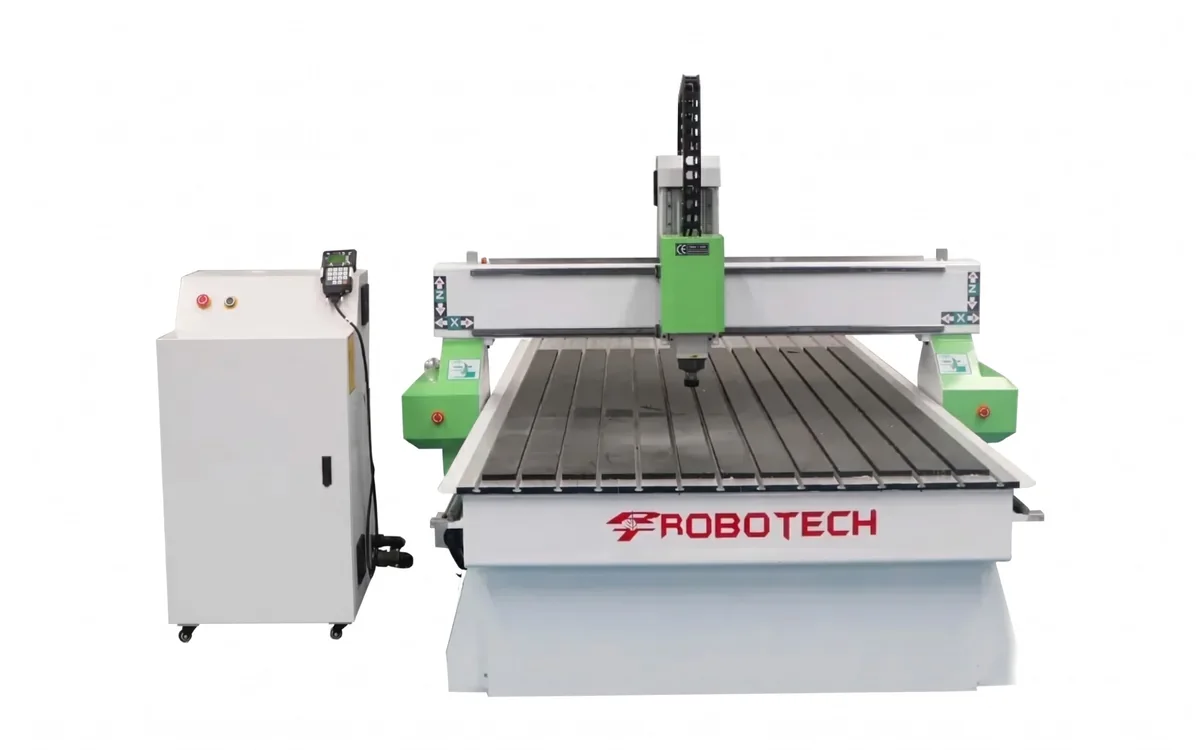
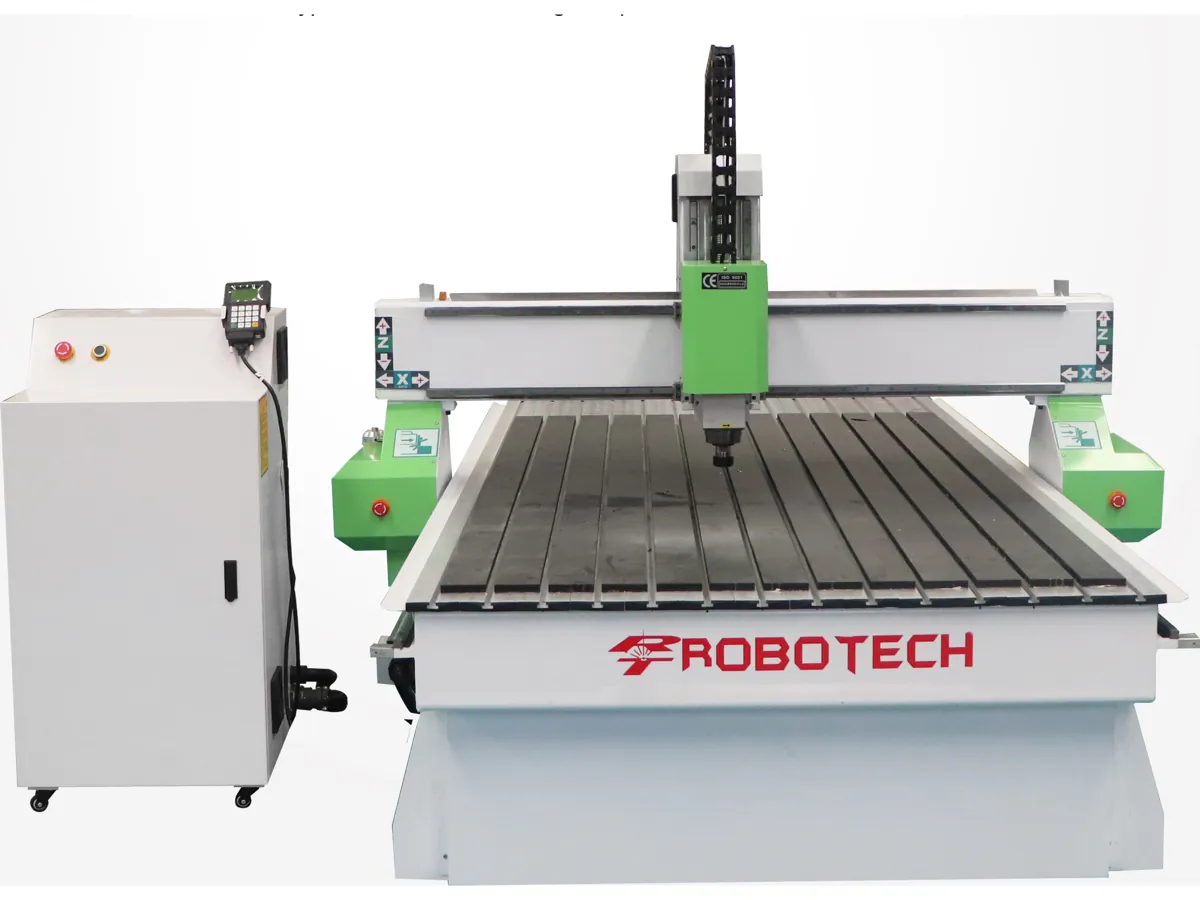
The Robotech CNC router 1325 comes in both types: air-cooled at 0 – 18,000 rpm and water-cooled at 0 – 24,000 rpm.
8. What do the accuracy and speed figures mean?
- Motion accuracy (e.g. ±0.01 mm per 300 mm): how precisely the machine travels the correct distance. For furniture and doors this is more than enough.
- Repeat positioning accuracy (e.g. ±0.03 mm): the machine's ability to return to the same point every time, important for repeat parts.
- Max travel speed (e.g. 15 m/min): speed moving between points without cutting.
- Max working speed (e.g. 8 m/min): speed while cutting; the actual speed depends on the material, bit and depth.
Don't be fooled by the maximum speed in the catalogue. The speed that matters is the actual cutting speed on your material at acceptable quality, and that depends more on the strength of the frame, spindle and bit than on the speed figure.
9. Software and job files
A router reads G-code command files, which you prepare with design and toolpath (CAM) software. You start with the design (drawing the door or ornament), then set the bit, depth and speed in the CAM software, and it produces the command file you load onto the machine.
- For doors and 3D ornaments you need software that supports 3D carving.
- For furniture and panel cutting you need software that nests parts on the sheet to save material.
- Save the settings for each bit and material so you don't repeat the tests every time.
10. Bits: the secret of quality work
The most expensive router with a poor bit produces poor work. Bits differ by job:
- Straight and spiral cutting bits: for cutting panels; spiral bits clear chips better and give a cleaner edge.
- V-bits: for lettering and decorative carving.
- Ball-nose bits: for 3D carving and smooth finishing.
- Surfacing bits: for levelling the table surface or panels.
Start with a good-quality set of basic bits, and keep spares of the most used ones so work does not stop if one breaks. When a bit gets blunt, the edge burns and the machine strains, so replace it in time.
Common mistakes after buying
- Running the machine without chip extraction, so chips build up on the rails and screws and shorten their life.
- Using the wrong speed and feed for the bit, so the edge burns or the bit breaks.
- Neglecting lubrication of the rails and ball screws.
- Weak panel hold-down, so it moves during cutting and ruins the part.
- Not setting the zero point before each job.
For a full maintenance schedule, read the daily, weekly and monthly CNC maintenance checklist.
The most common router uses in the Saudi market
- Carved wooden doors: raised and recessed patterns and ornaments on villa and majlis doors.
- Décor and wall panels: wall panels with geometric and Islamic patterns, mashrabiya and partitions.
- Letters and signs: raised letters in wood, acrylic and cladding for shops and companies.
- Kitchens and wardrobes: accurate panel cutting and drilling, and milling hidden handles into doors.
- Furniture: curved chair, table and bed parts that are hard to cut by hand.
- Models and mock-ups: architectural models and exhibition pieces.
Each use needs a slightly different table, spindle and bits, so tell us what work you do most and we will recommend the right specifications from our CNC routers.
Your first month with the router
The first month decides how much you get out of the machine. Set aside time to learn and test instead of starting straight away with urgent customer orders:
- Week one: training on operation, safety, setting the zero point and holding panels down.
- Week two: tests on offcuts with different bits and speeds, saving the settings that work.
- Week three: making simple real parts and comparing time and quality with the old method.
- Week four: starting customer orders while keeping up daily maintenance.
Quick checklist before you request a quote
- The size of the largest panel you work with (usually 1220×2440 mm).
- Materials and thicknesses: MDF, natural wood, acrylic, cladding.
- Type of work: cutting, carving ornaments, 3D carving, or all of them.
- Do you need automatic tool change, or is manual enough?
- Preferred spindle type: air-cooled or water-cooled.
- The power supply available in the workshop.
- Your city, so we can arrange delivery and installation.
Send this information on WhatsApp and we will send you a machine recommendation with a written quote the same day.
Summary
Choosing the right router starts from your work: your panel sizes, materials, type of carving or cutting, and production volume. Then come the details: the spindle, hold-down, tool changing and software. And remember that after-sales support and training are part of the machine itself, because the best router without a trained operator and a nearby technician will not deliver its real output.
FAQ
To cut full furniture panels you need a table that takes at least a 122×244 cm panel.
Written by the Robotech CNC team
A team specialised in supplying, installing and maintaining CNC and laser machines in Saudi Arabia. On the blog we share what we learn working with workshops and factories.